Online Drawing
Open a blank canvas and draw right in your browser — nothing to install, nothing to sign up for.
How to Draw Online in 3 Steps
-
The board is already waiting.
No setup screen, no account, nothing to install. The canvas loads with the page — pick a brush size, pick a colour, start drawing.
-
Draw with a mouse or a finger.
Ten brush sizes, from a hairline to a thick marker, and ten colours. White paints white — and on a white canvas that means it works as an eraser. If a line goes wrong, Undo and Redo are right there on the board.
-
Save the picture, or send it out.
Save puts the drawing on your device as a PNG, at the size of the board on your screen. Want other people to see it? Choose to share when you save — once it's been reviewed, it goes up in the public gallery.
What You Can Do with an Online Drawing Board
Sketch something the moment it comes to mind.
No app to open, no file to name, no software to install. The board is one page away, in whatever browser you already have open.
Draw with a mouse, a finger, or a stylus.
Ten brush sizes and ten colours — white included, so you can erase by painting. A trackpad is enough; nothing fancy required.
Try something and take it back.
Undo, redo, clear. Lines are cheap here, so you can experiment without committing to anything.
Keep the PNG, or put it in the gallery.
Save downloads the picture straight to your device. Choose to share it while saving and, once it's been reviewed, it appears in the public gallery for other people to see and like.
Why Draw Online with Getdoodling
You don't have to sign up first.
Open the page and draw. The picture is what matters, not the account.
No AI. Every drawing here was made by hand.
Mouse, finger or stylus — a person drew each one. Lines get better with practice, not with a better prompt.
Somewhere to put what you made.
Not a folder on your desktop that nobody ever opens. Share a drawing and other people can find it, like it, and pass it on.
One small thing to remember.
Nothing is stored on our side while you draw, so save before you close the tab. The drawing lives in your browser and nowhere else.
Frequently Asked Questions
Can I draw on my phone?
Do I need to install anything?
Can I use a stylus or a drawing tablet?
What do I get when I save a drawing?
What happens if I close the page without saving?
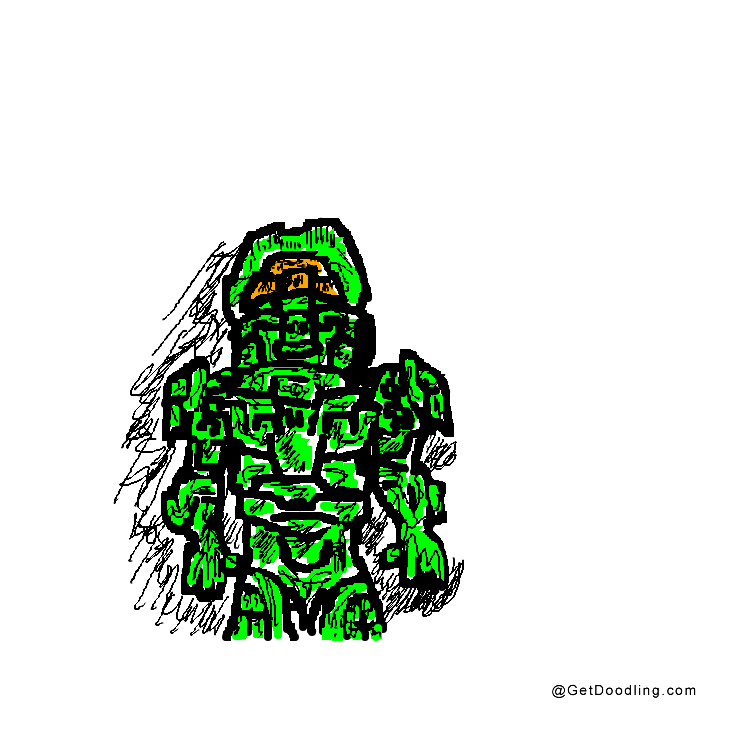
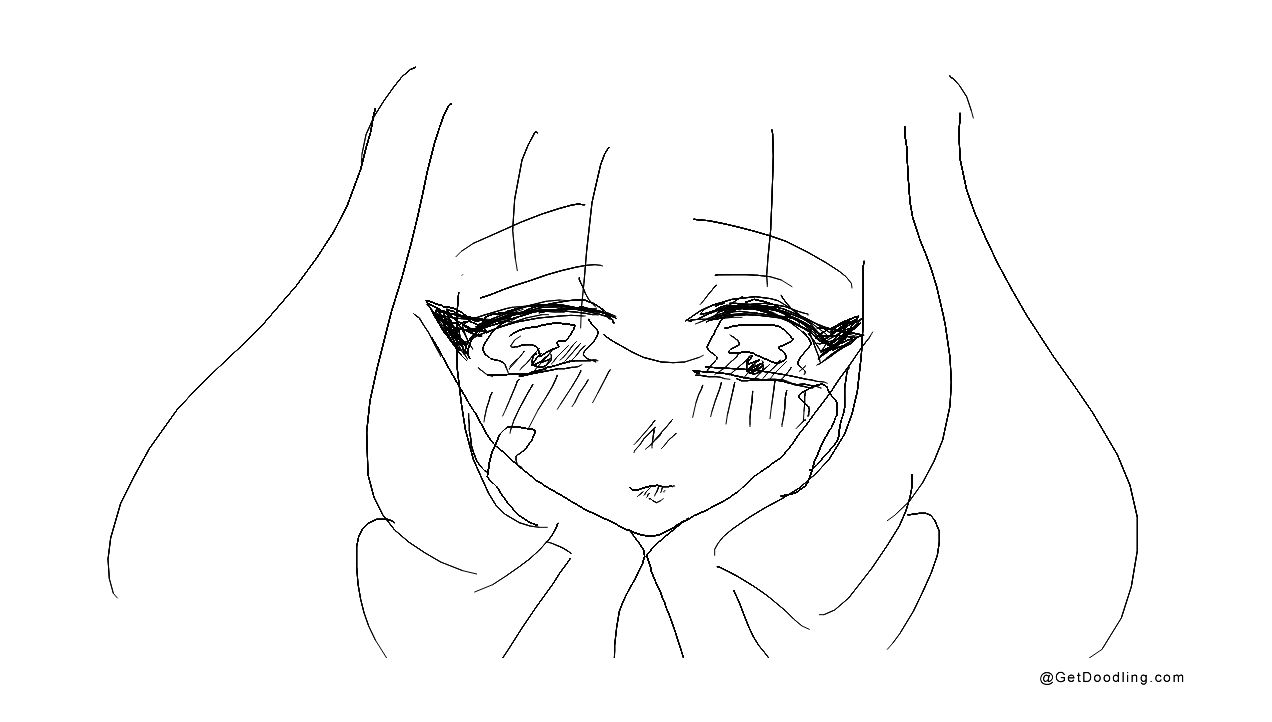
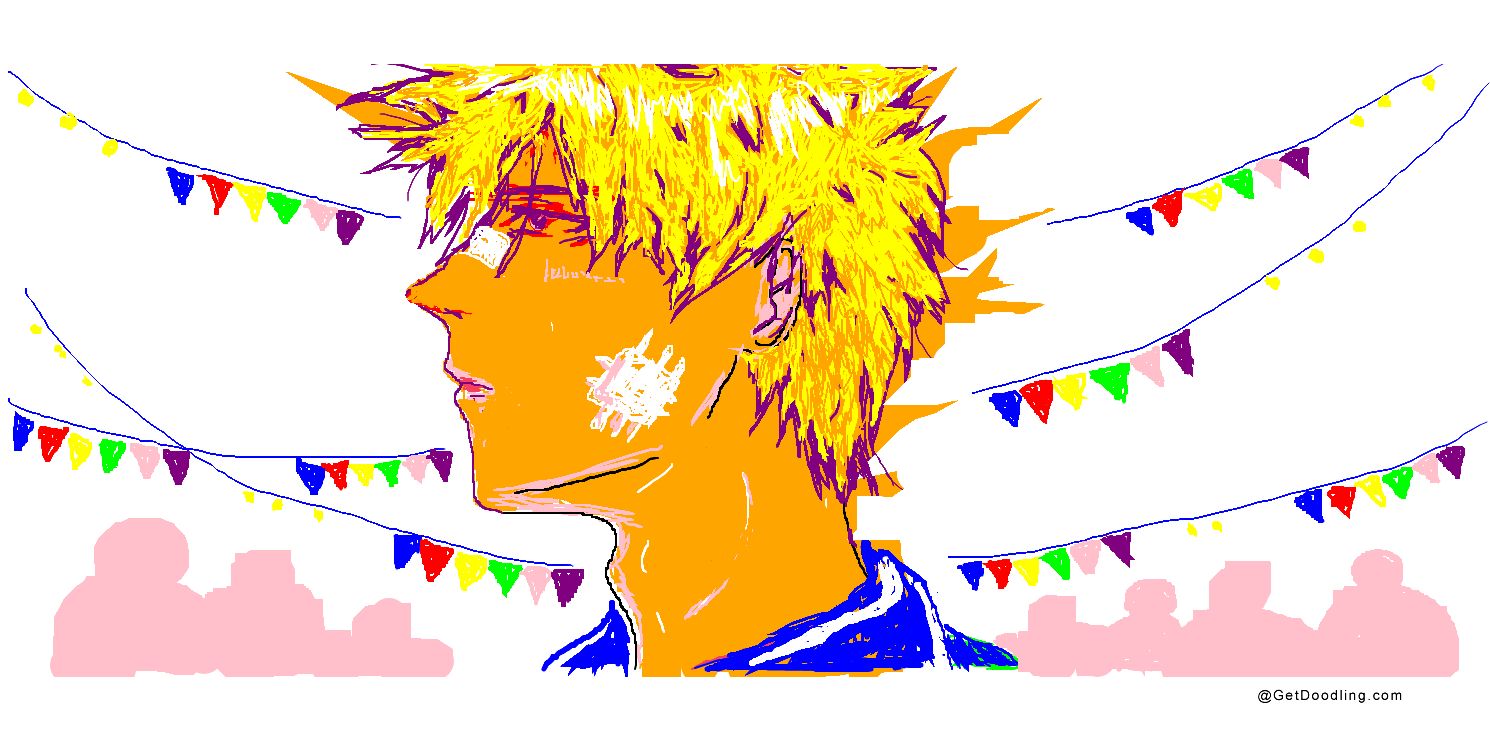
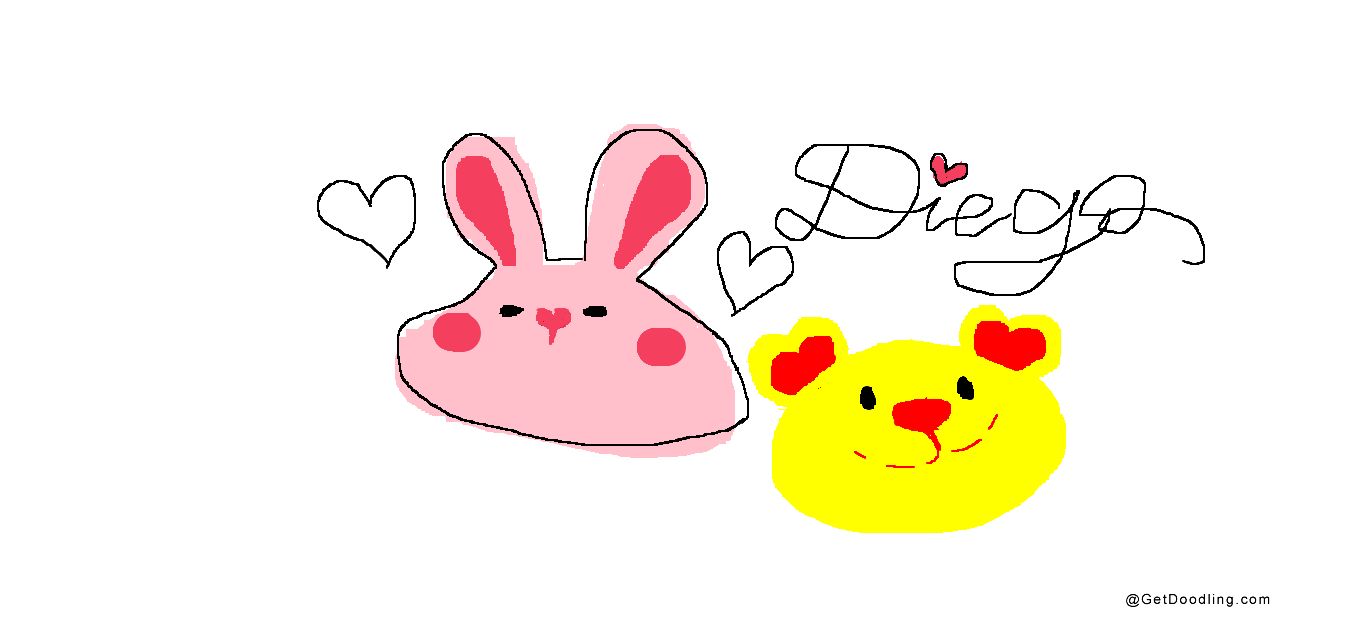
Drawings People Shared